


Posted by Emily Midgett
on December 13, 2019

Hi there! Emily Midgett here with you today sharing some inspiration using the new products from this month's release. I love the Mother Earth theme that has permeated throughout the products for this month's release. The Carry the World stamp set features some beautiful, super unique images and greetings, and I have paired the turtle image with the Earth Nature Fancy Die and some subtle ink blending. Let's get started with the details!

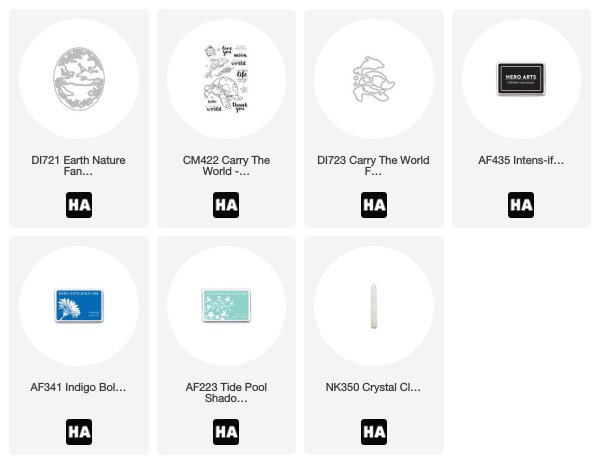
I began by die cutting the Earth Nature Fancy Die from some plain white cardstock, then adhered the negative die cut to another A2 panel of white cardstock using some washi tape. I used a blender brush to blend Tide Pool and Indigo inks at the bottom and top, then removed my mask from the card front to reveal a white border around the colorful oval in the center.

Next, I stamped the turtle from Carry the World using Intens-ified Black ink on some Copic-friendly white cardstock. I then used my Copic markers in shades of teal and pale blue to color this super detailed image. After I'd finished coloring, I covered the shell of the turtle with Crystal Lacquer to add a little extra texture.

I adhered the detailed Earth Nature Fancy Die to the blended panel using foam adhesive, then added the turtle over the top with some more foam adhesive. Finally, I stamped a greeting from Carry the World on a small rectangle of white cardstock, then adhered it in the top left corner to create a visual cascade down the front of the card.
Well, that's all for me today! Thanks so much for stopping by, and have a marvelous day!













































































2 comments
What a great inspiration for this beautiful die and stamp set. Gorgeous colouring, I love this card Emily!
Thank you so much for sharing.
What a clever card design, Emily…this is so unique! Love the mapped turtle shell. tfs